Take the order, set the goods aside, get it made and out the door — from two people upwards, with no ceiling as you grow. Free for 2 users.
Which one is you?
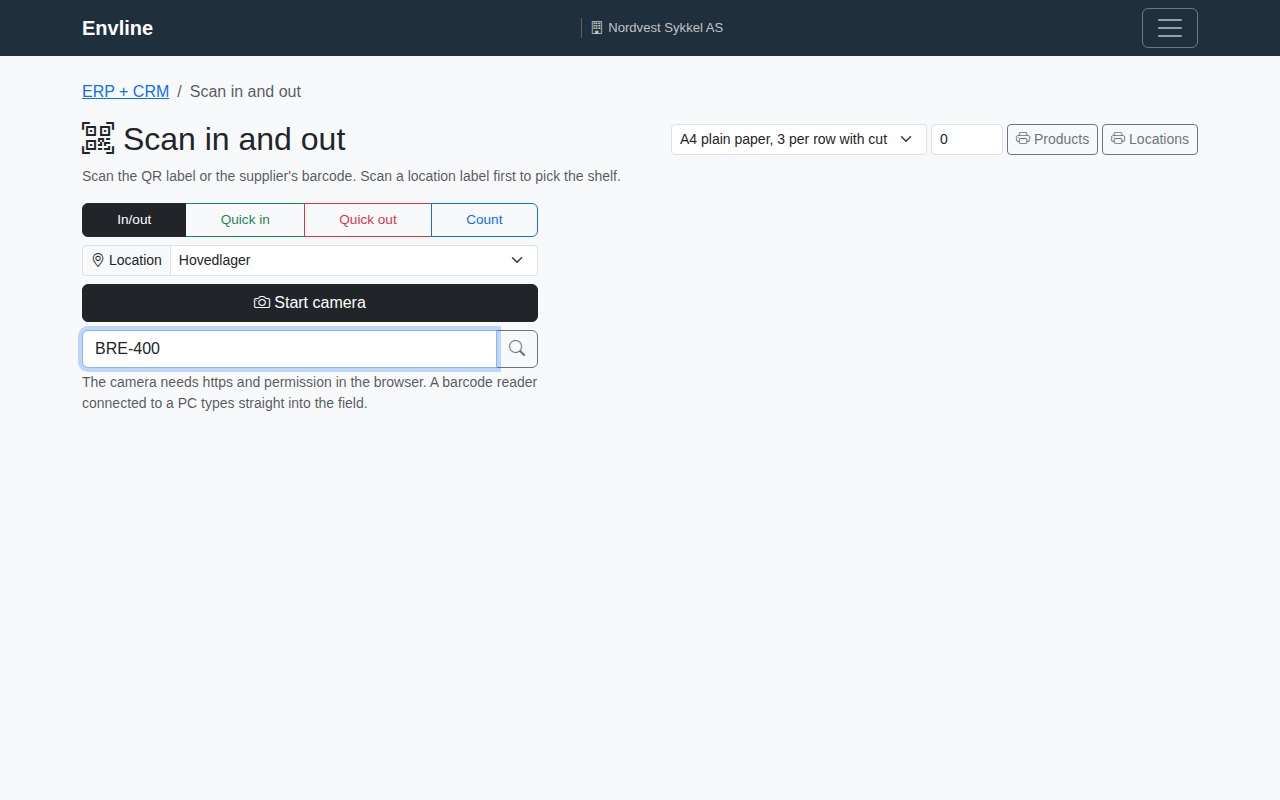
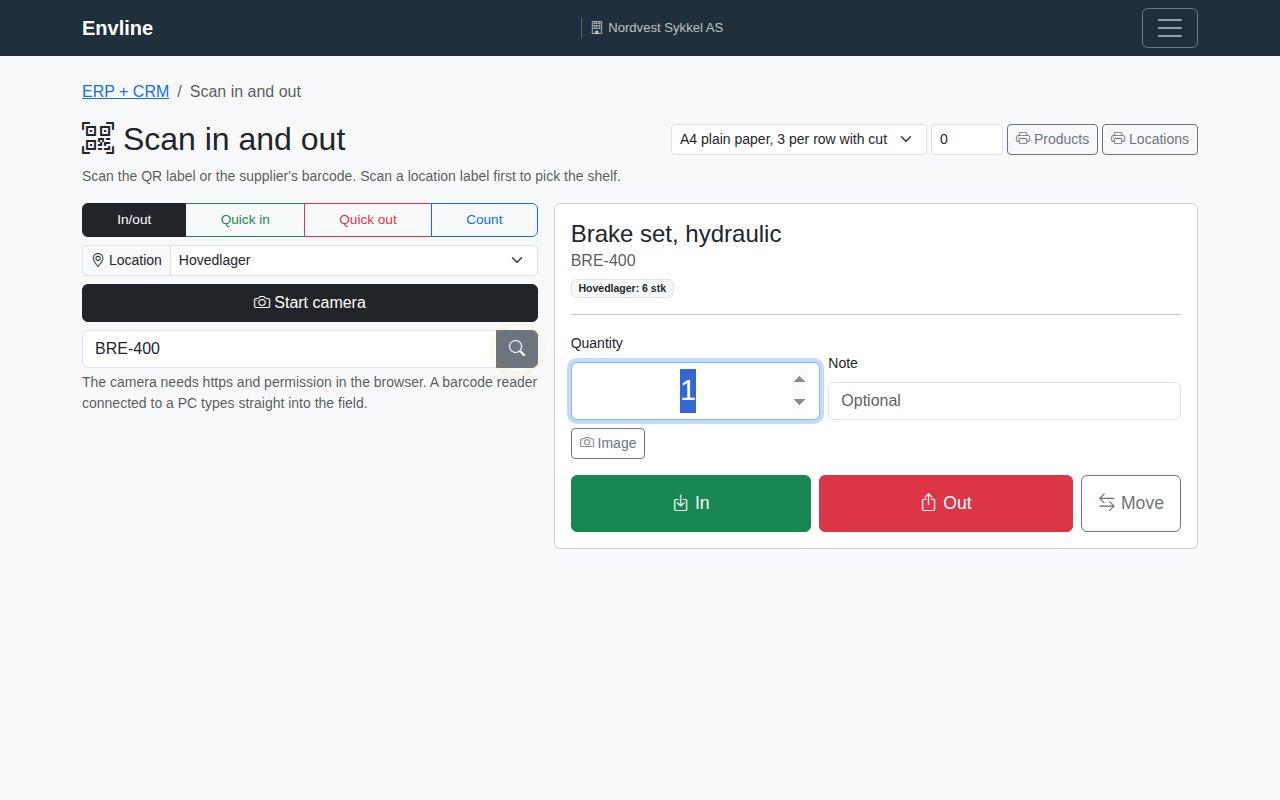
Scan a code, and the product is ready to move in, out or across
Scan in and out with your phone
Promise a delivery date on the call
Break a product into parts and steps
Get answers from your own numbers
Quote it, make it, store it, deliver it.
Type a number once, and the rest of the system already has it.
Turn a quote into an order
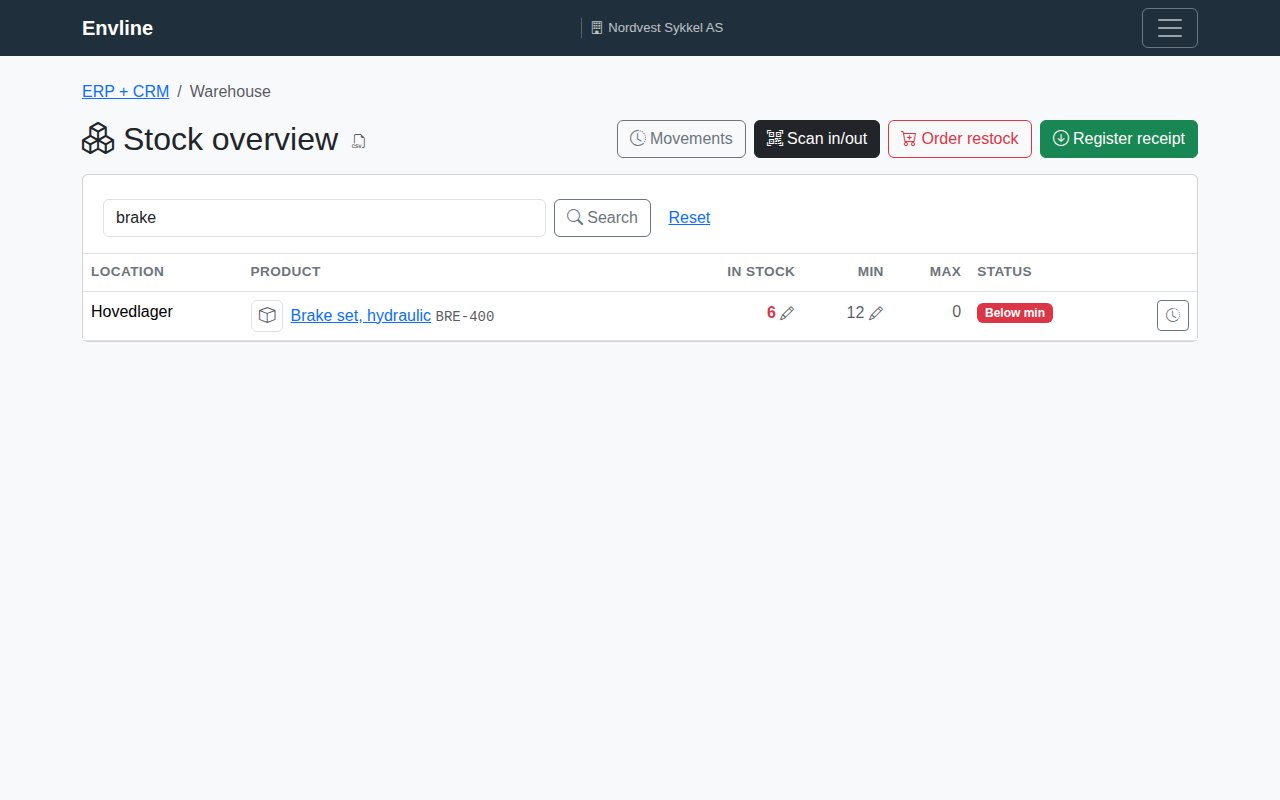
Search the catalogue by name, article number or barcode. One press turns an accepted quote into a sales order, and confirming it puts the goods on hold. Promise a date while the customer is on the phone, then print the packing slip and label.
Order what you are short of
Turn what you are short of into a draft order per supplier, on your own letterhead, with that supplier's products first. Scan the boxes in as they arrive — one scan lifts the lot number and the expiry date off the barcode, so nobody writes them on a sheet.
Shelve it, count it, find it
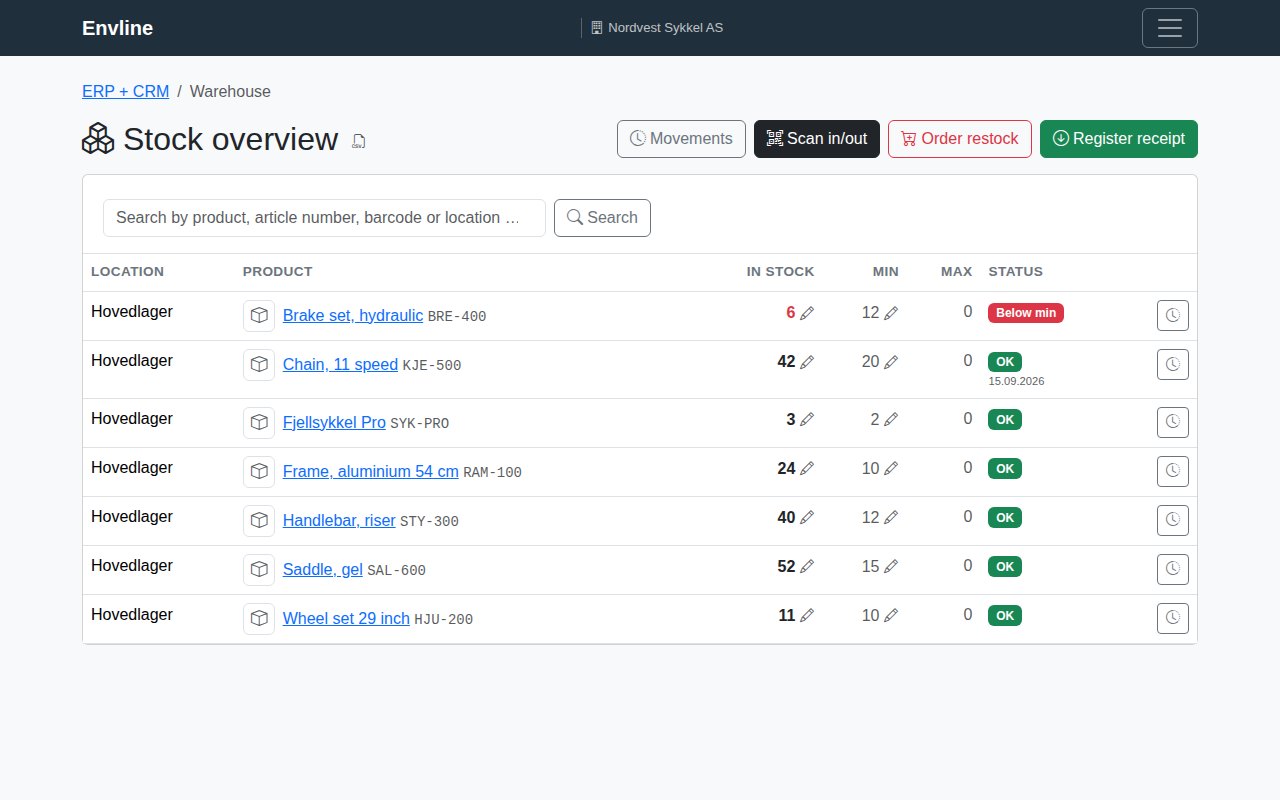
Put goods on a shelf, count them, move them, and set a minimum to reorder at. Your phone is the terminal, you can look up who moved what, and picking never counts what is already promised to someone else.
Pick, make, check, pack
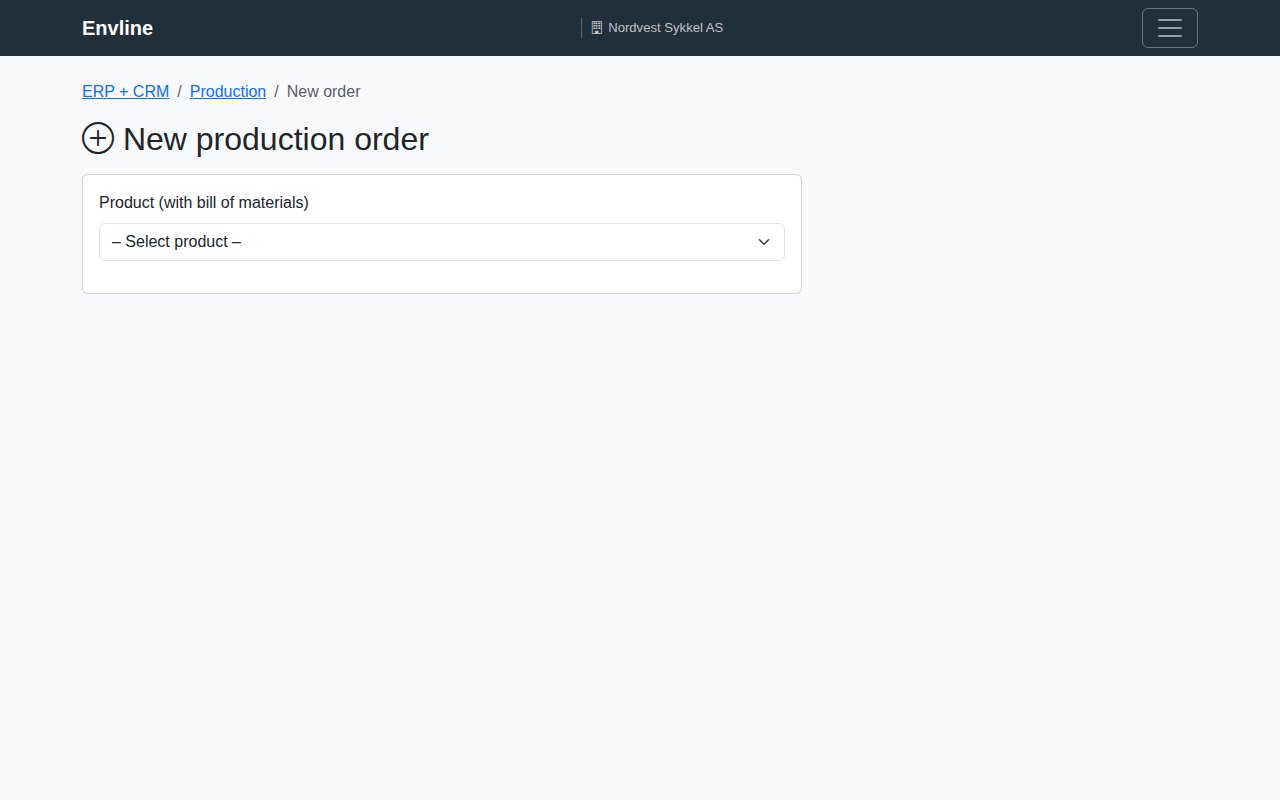
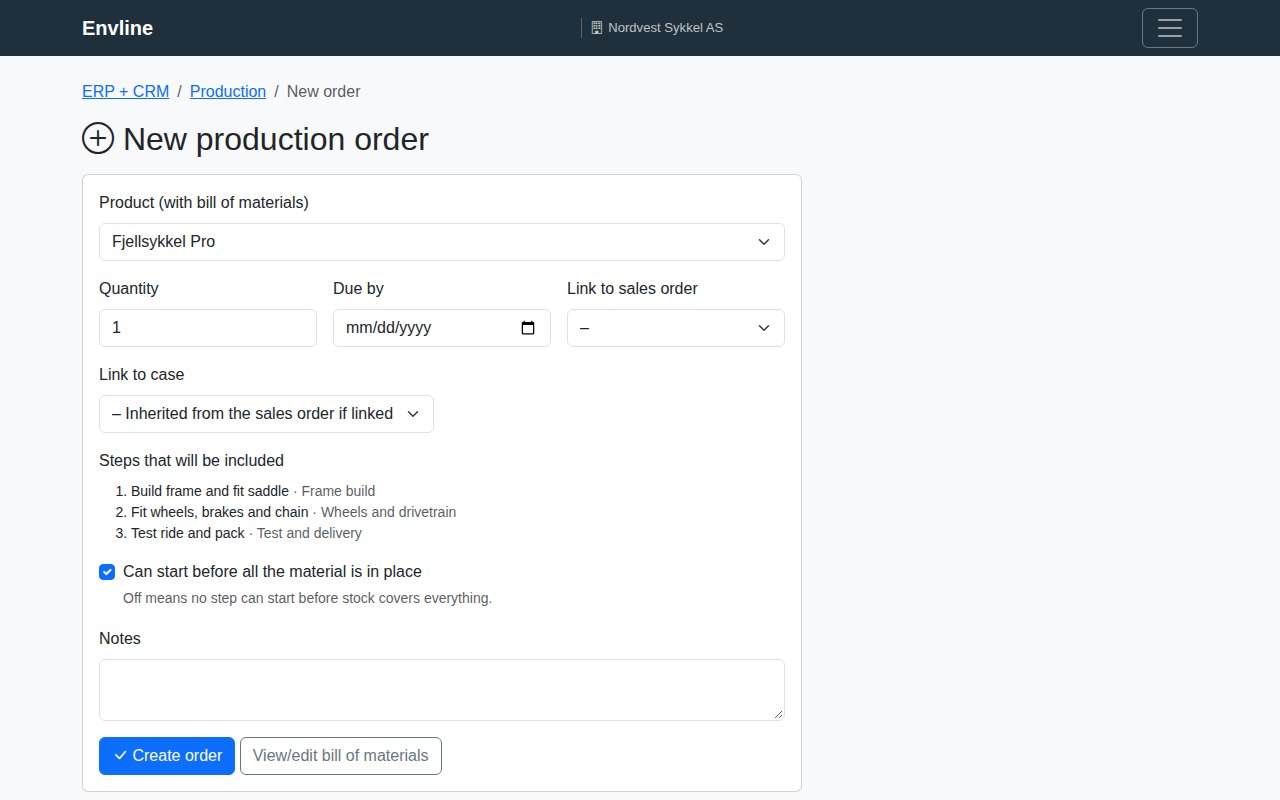
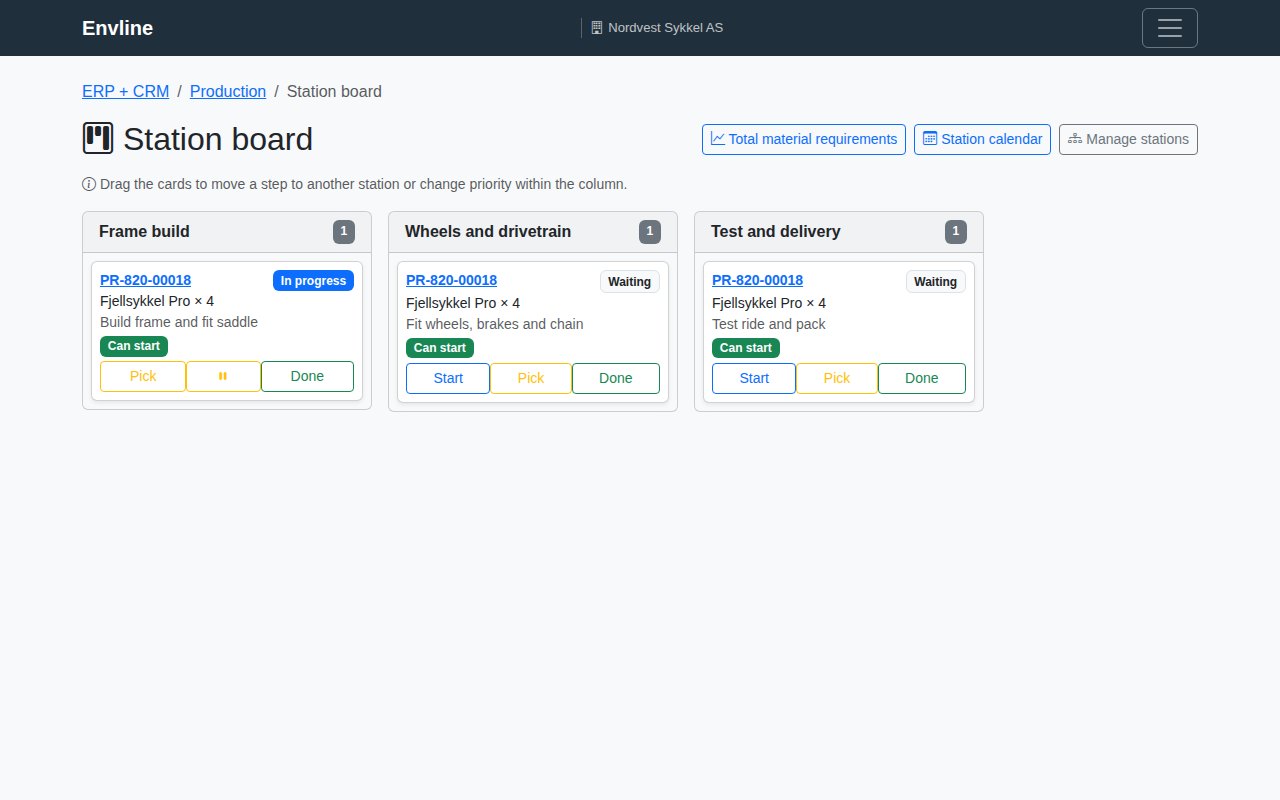
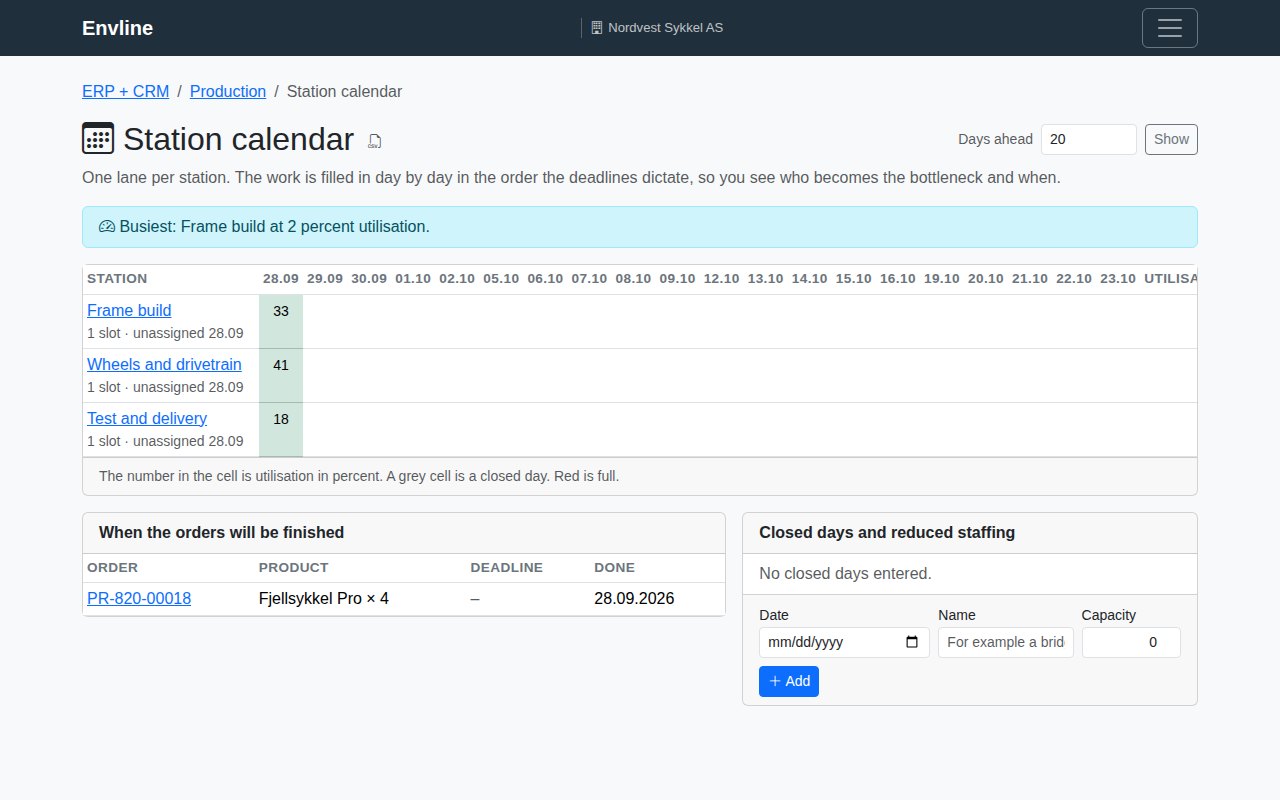
List what a product is made of and the steps it goes through, each with a time and a station. Drag the cards to plan the week, see who becomes the bottleneck, and let picking pull the part from the shelf it actually lies on.
Look up a customer, see every order
Every order opens a case that keeps its emails, its hours and its checklists. Type the customer's name in one box and everything about them comes up: what they ordered, what you quoted, what was written and what is still open.
Ask it in your own words
Ask what is on the shelf, what an order costs or which steps are missing a time, and the answer comes from your own numbers — not from a manual. Ask it to change something and it shows you before and after, and waits for you to press approve.
Free to keep, and here is where it stops
2 people can edit, and as many as you like can read. Your catalogue holds 100 products, and every month you get 15 sales orders, 15 purchase orders and 30 production orders; bills of materials, stock and picking have no limit. Put in a card for 30 days to lift the caps, or leave it: nothing you enter is ever deleted.
1
Your email, and the name of the company
We send a sign-in link. No password to invent.
2
Open the link and put in your first order
Products, orders, production and customers are there from the first minute. Import your catalogue from a spreadsheet, or start with one order.
3
Invite the people who do the work
The warehouse, the workshop and the office see the same numbers, each on their own screen.
See it work
Short walkthroughs of the real thing, English voice-over.
The customer calls, you answer with a date: catalogue, promised delivery, production and purchasing
A bike workshop that builds bikes. The seller finds the bike in the catalogue, picks the tyre size the customer wants, and gets a delivery date calculated from free stock, supplier lead times and station capacity, with the bottleneck named. The order becomes a sales order, production orders with sub-orders for the wheels made in house, and draft purchase orders per supplier, all sharing one reference. The second half shows the setup: bill of materials with minutes and setup time, choice groups, the internal cost breakdown, supplier lead times and pack sizes, and the station calendar with closed days.
4:52
The warehouse in your pocket: shelves, counting and moving
On the phone: scan the shelf, quick in, count the shelf against the list, move to the service van as one action, and the overview grouped by warehouse with minimum right in the table.
2:04
Watch this one first: what every film can tell you about you
Every card here has a «more» link, and it is easy to miss. Open it, and the film stops being a demo and starts talking about you: which company you are signed in to, whether the module is switched on there, and a button straight into it when there is somewhere to go. A green check means the module is on for your company. No check means the film shows you what you would get, and how to switch it on. The search field at the top looks in the words: type what you work with, and if nothing matches, let the AI pick the films that fit what you described. Nothing here changes your access — it only reads what already applies.